Completing the User – Account Registration
Open the “Welcome to SW2” Email on your Phone, Tablet or Desktop.
- Please check your Junk/Spam folder, if it doesn’t show up in your inbox.
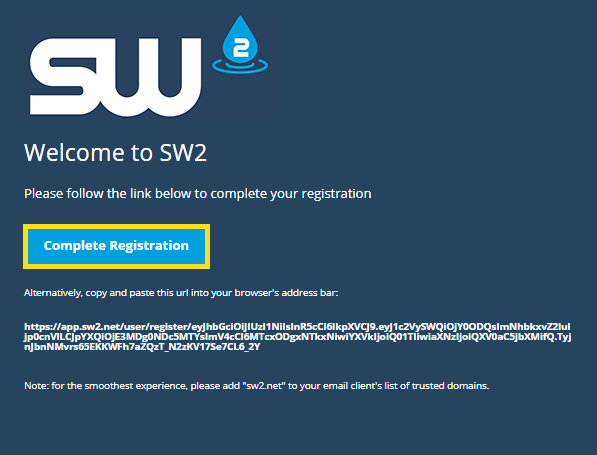
You will automatically be redirected to the Registration Page within SW2.
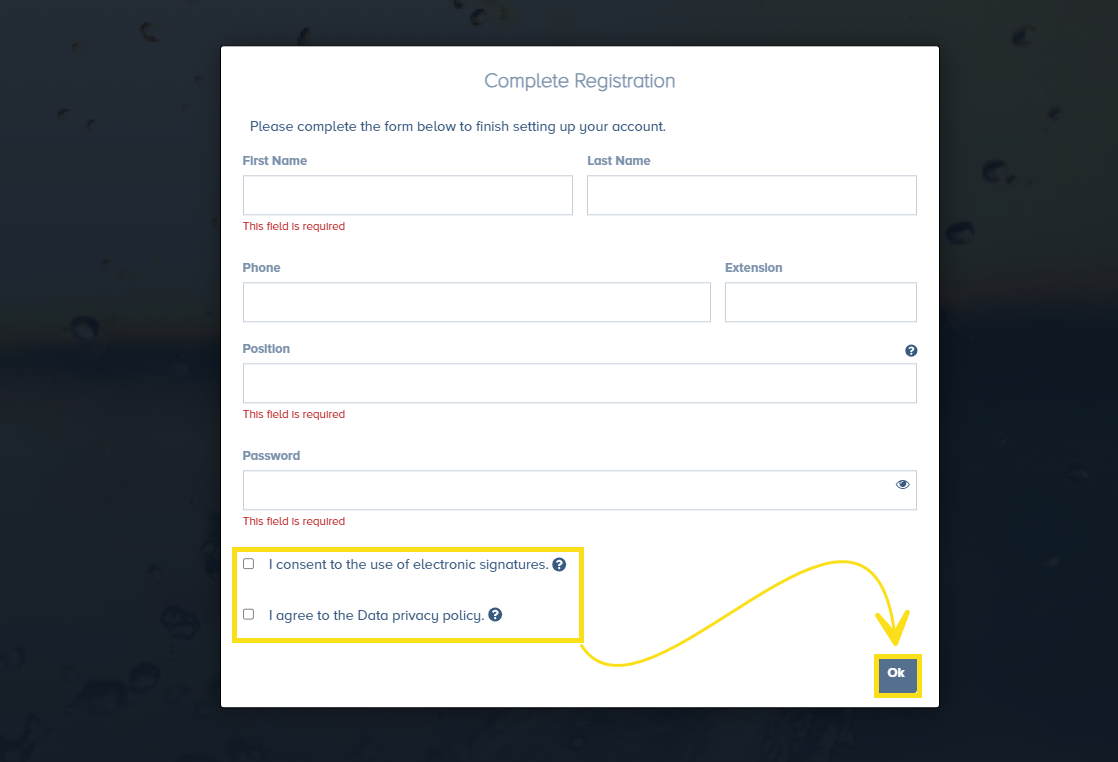
- Fill in all of the required information.
- In order to electronically sign documents within SW2, Users must check
“I consent to the use of electronic signatures”
- Users must agree to the Data Privacy Policy
Click “Ok”, to continue.
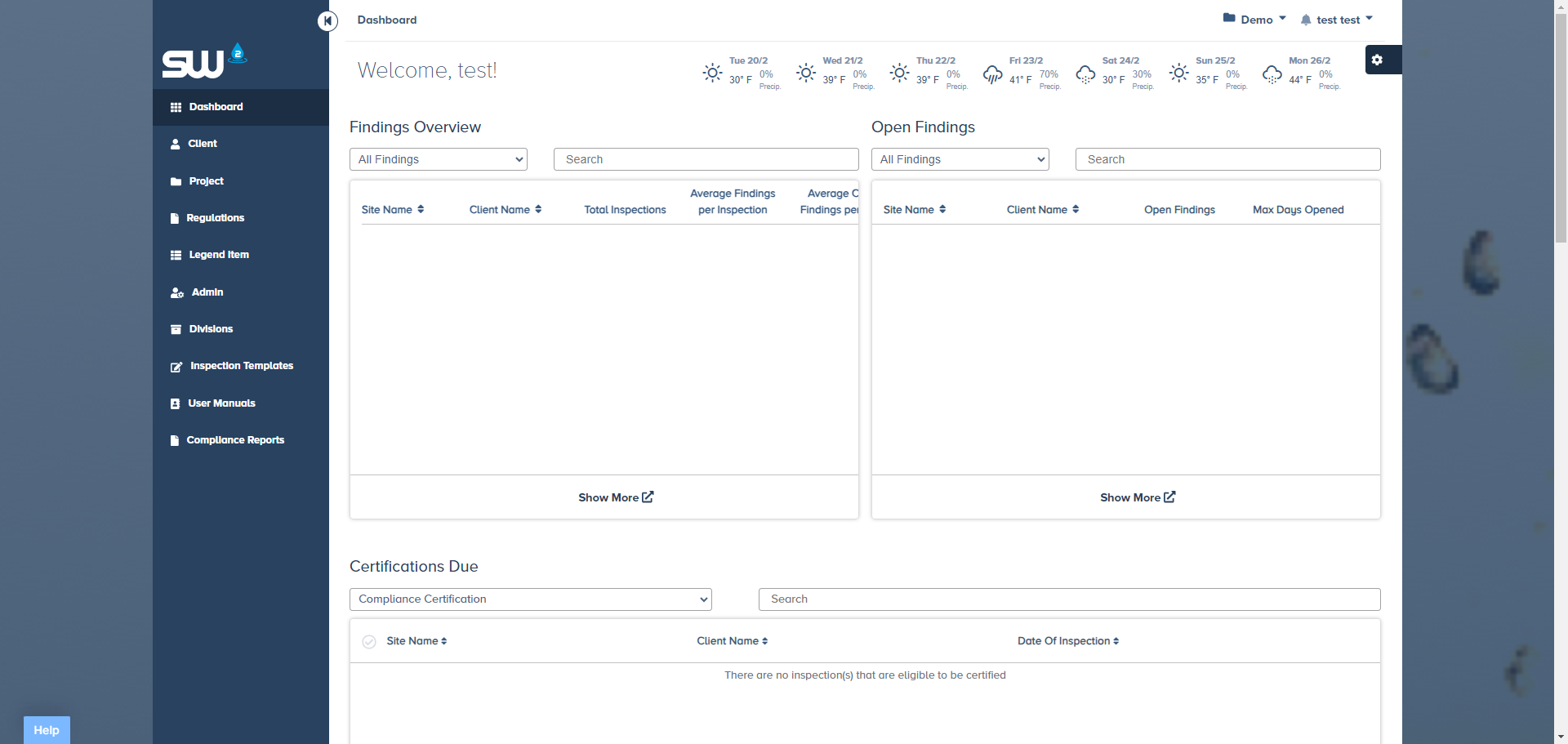
Once “Ok” is clicked you will be automatically redirected to your personal dashboard.