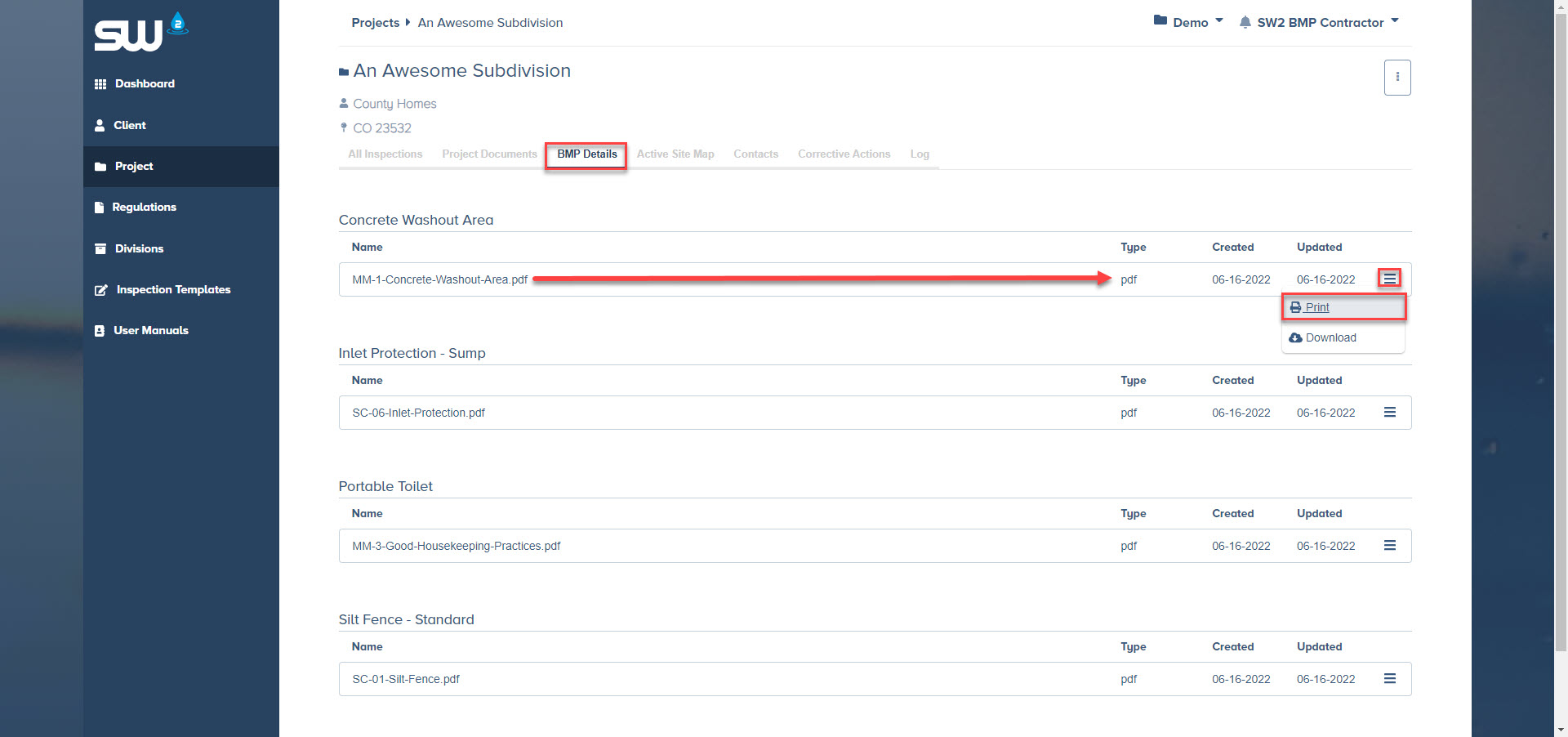
This manual will show you how to access control measure details that are specific to the project you are accessing and or working on. This will help ensure that all control measures, onsite, are installed per specification!
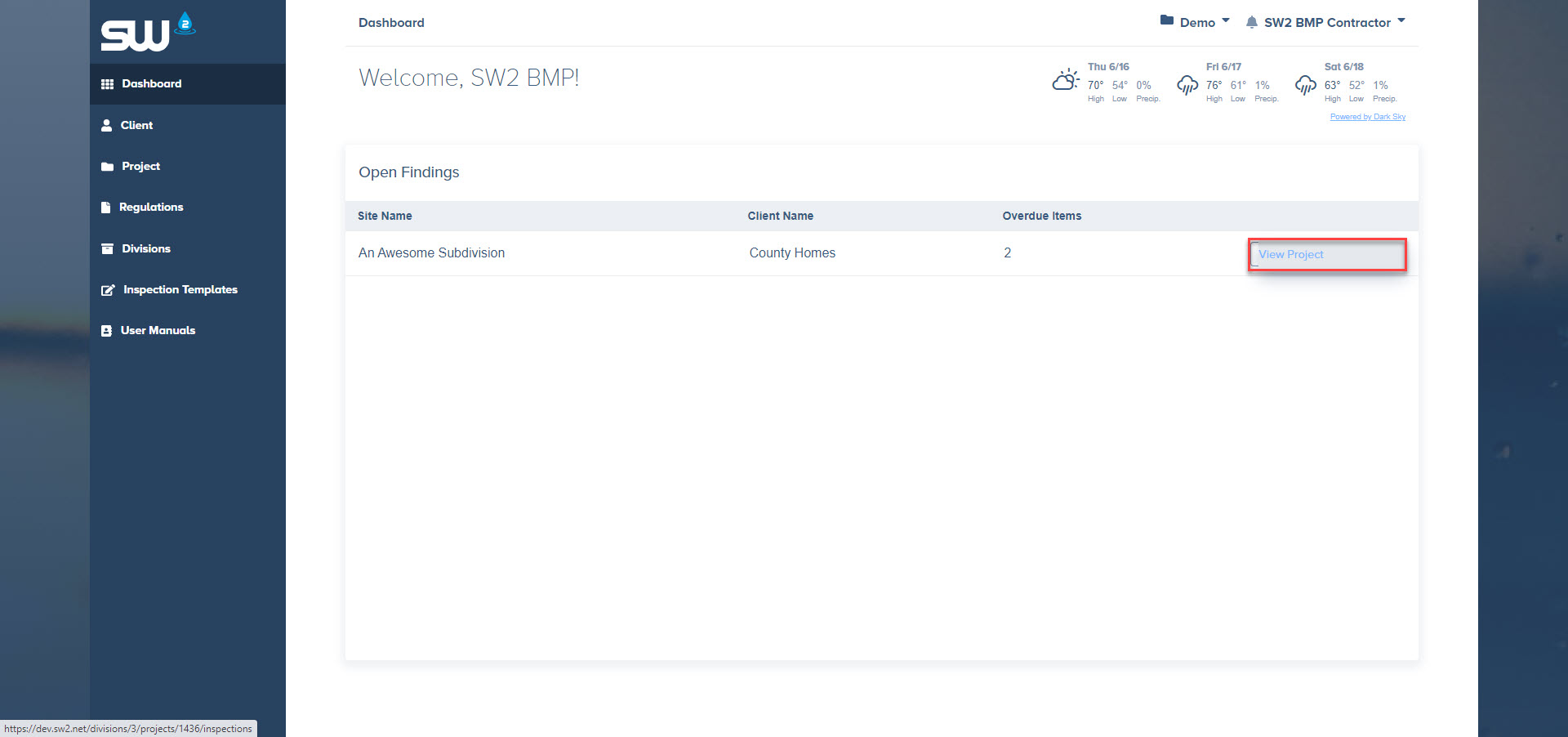
Access a project through your dashboard
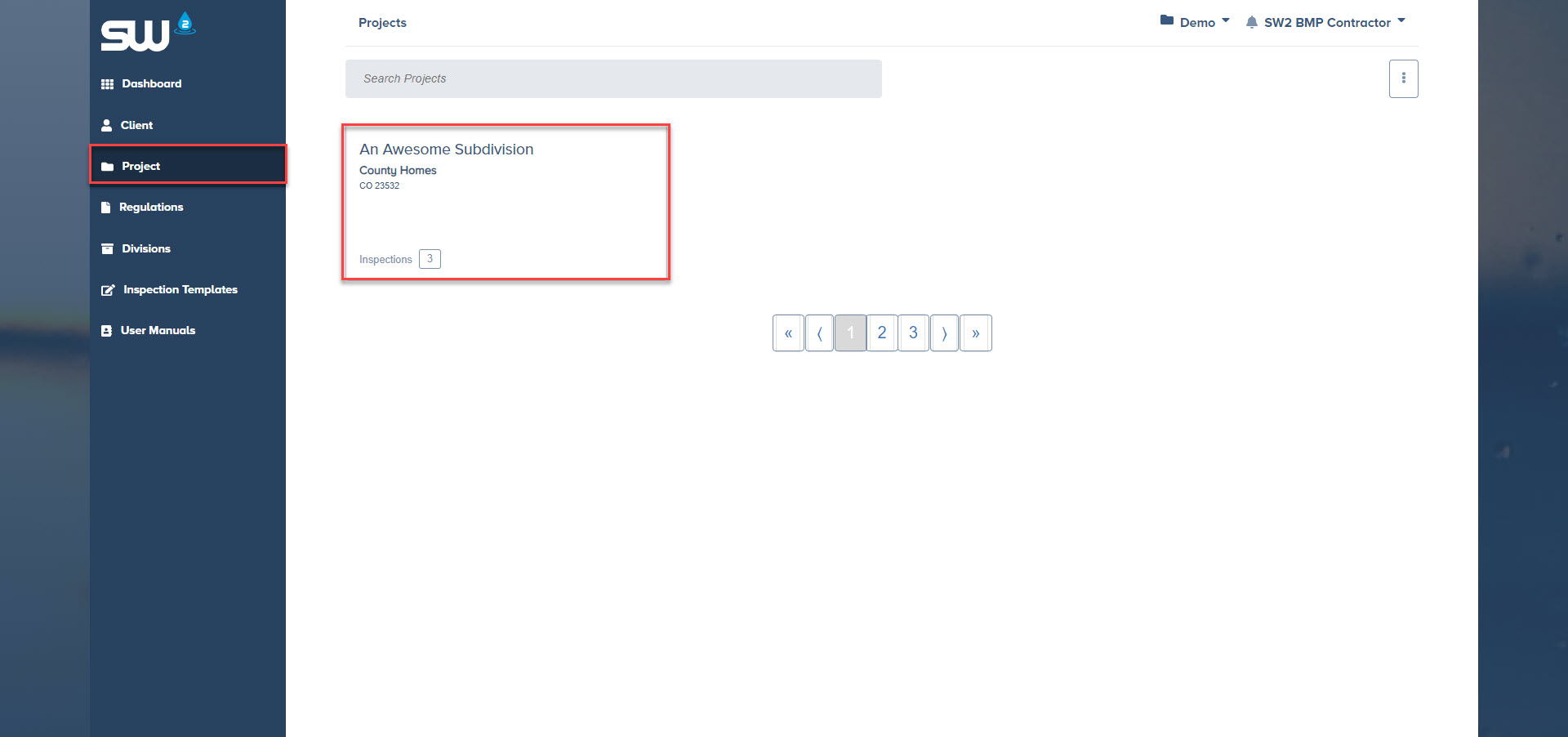
Or through the Project tab located on the left hand side of the screen
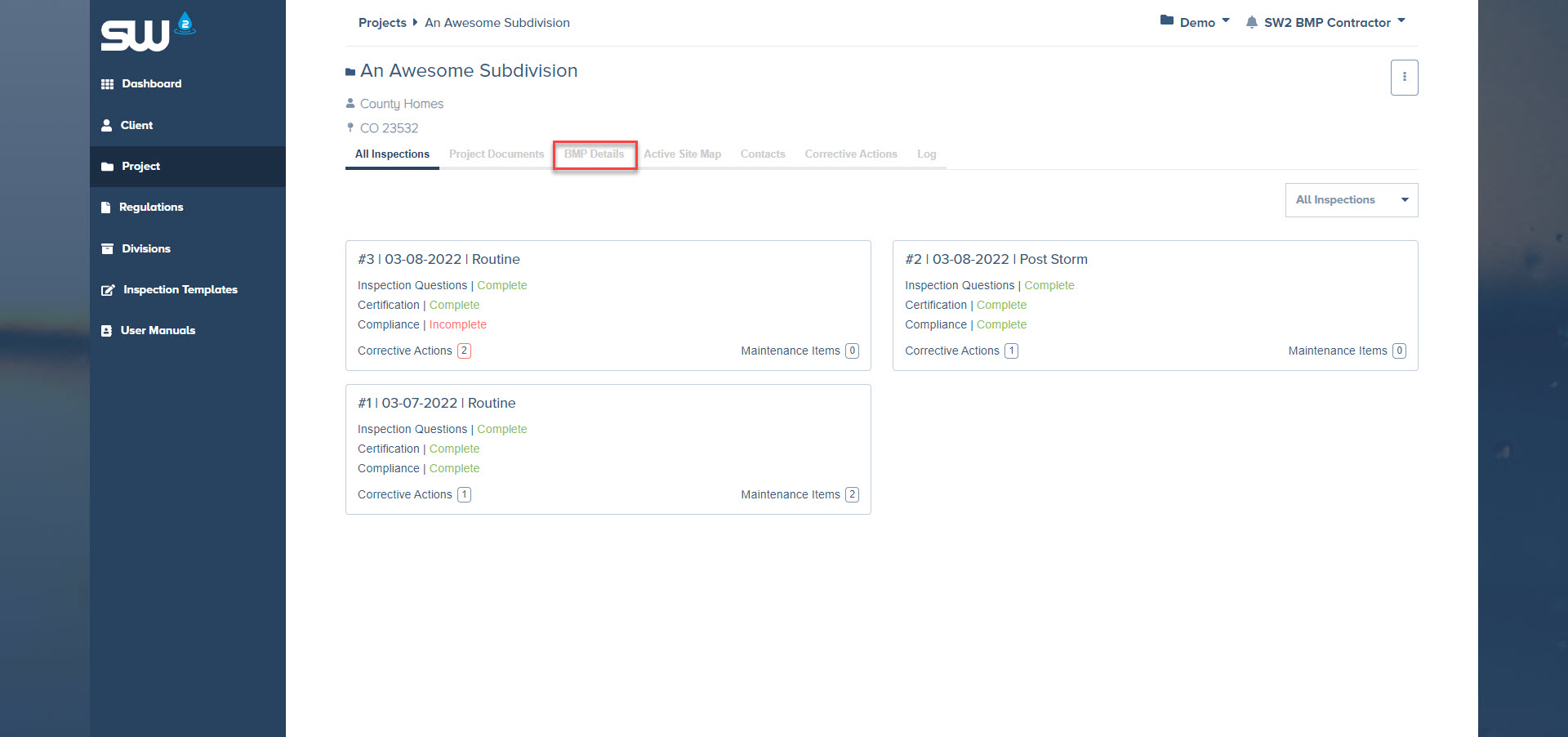
From here you will want to look for the BMP Detail tab within that project
This will bring you to a list of all control measures that are currently installed onsite. From this list you can select to Print or Download the specification to ensure that it is installed properly.