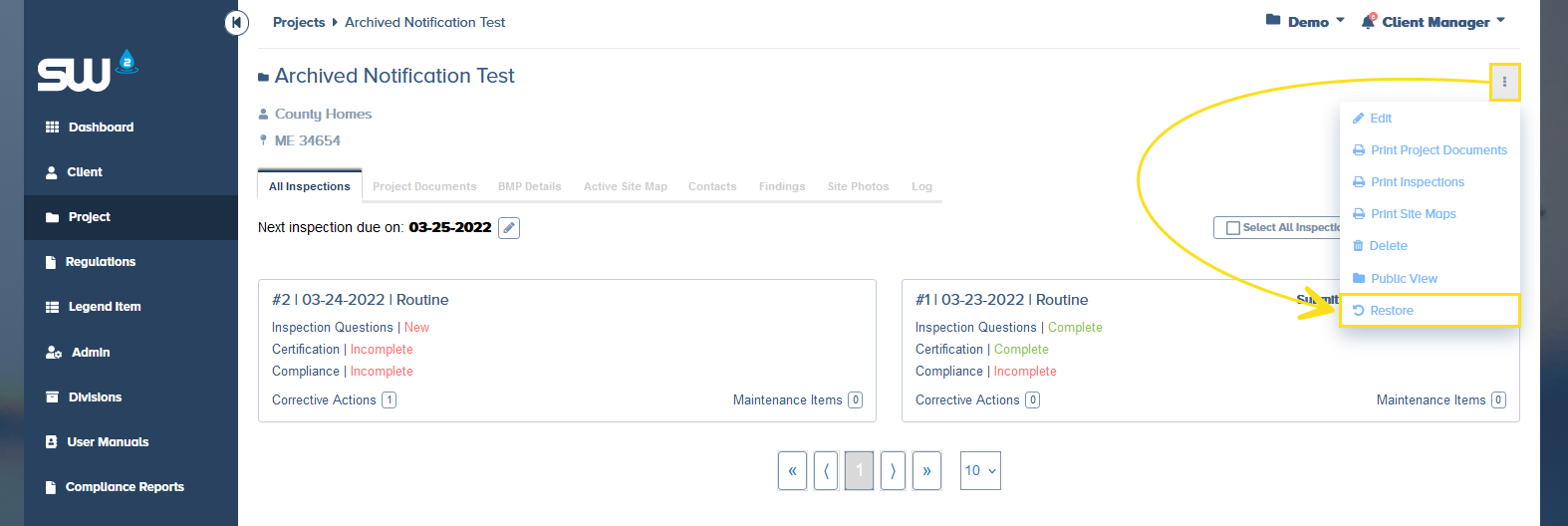
How to View and Archive projects within SW2.
When a project has been completed and inspections are no longer required, they should be archived. Archiving projects will remove them from a user’s dashboards, stop notifications, and safely store all project inspections and documentation.
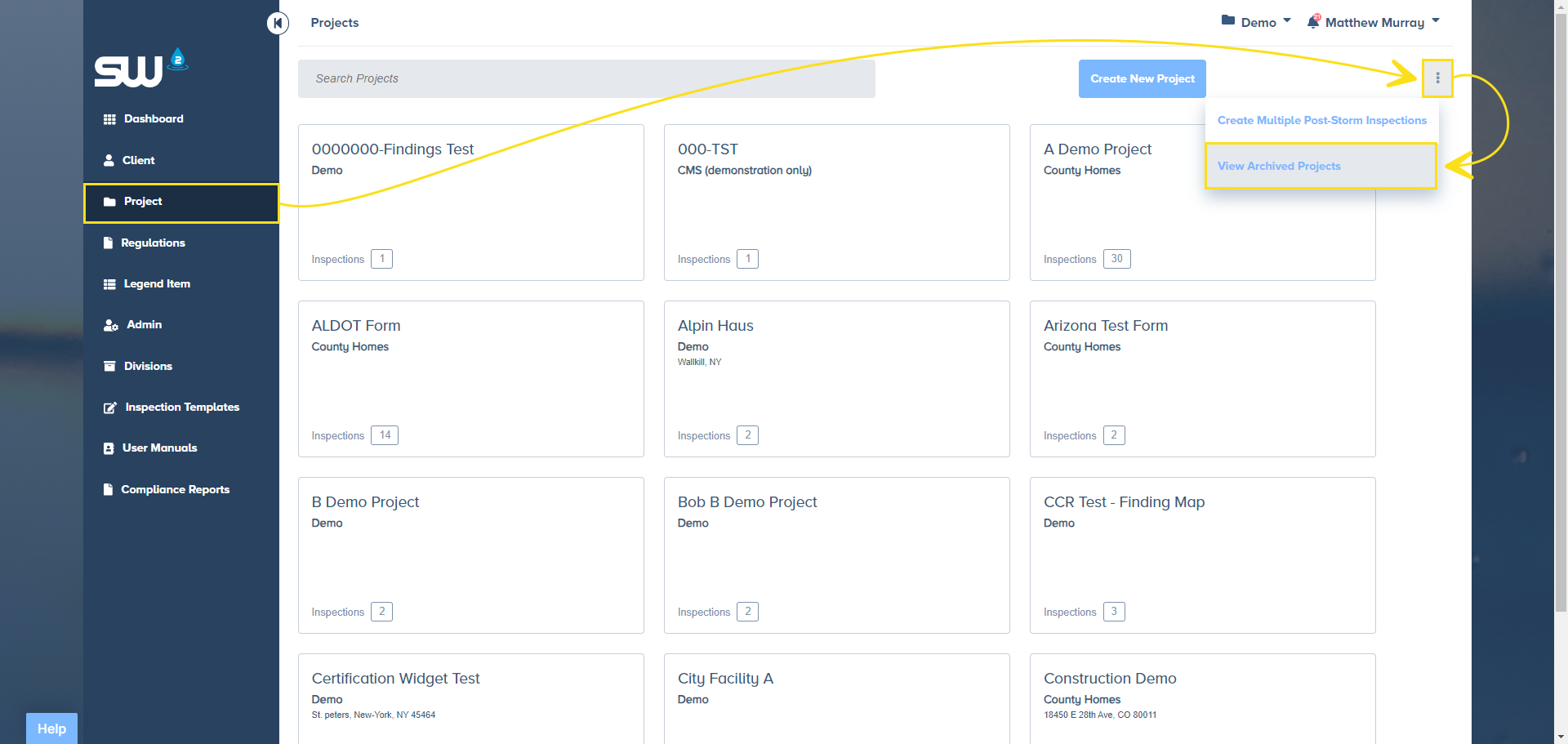
From the Projects page use the menu option to View Archived Projects
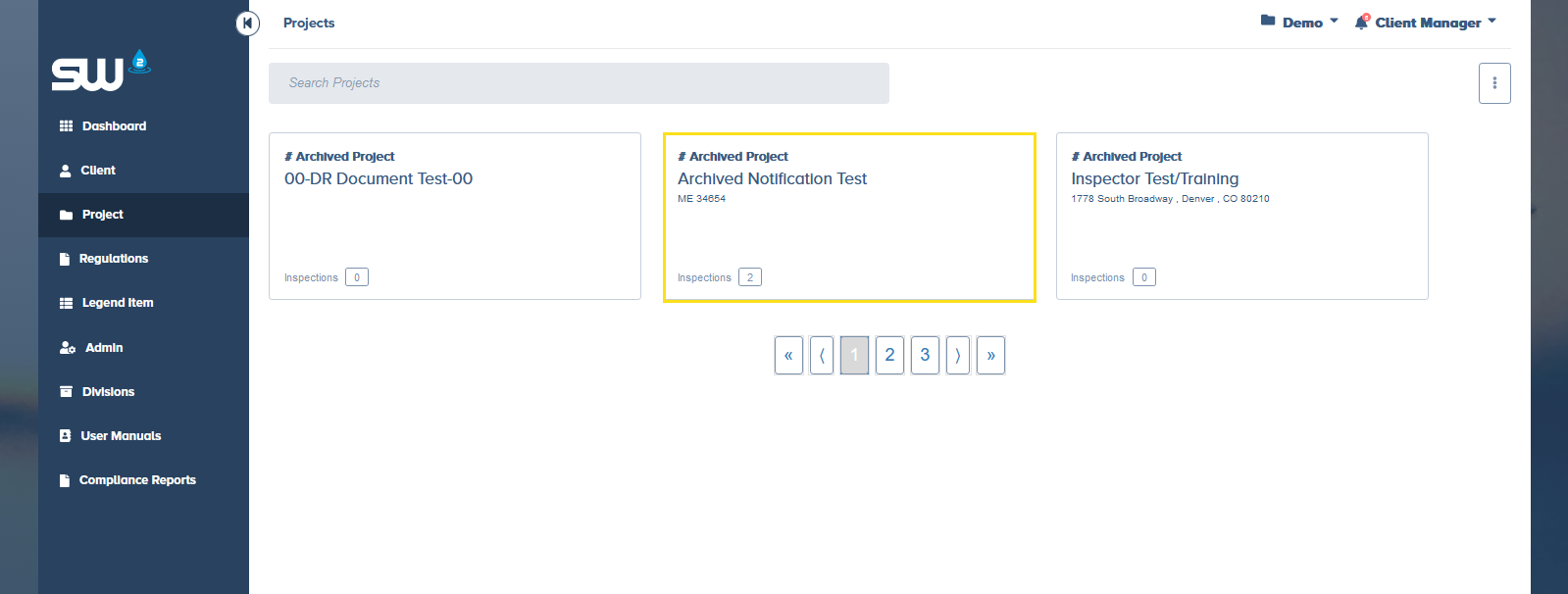
Open an archived project at any time to access report and or project specific documentation.
Projects that have been archived can be restored at any point by users with the correct permissions.